I have been impressed by the quality of Kodak PCD scanning services for slides in the UK. The highest resolution of 3072x2048 pixels is not quite sufficient to capture every detail from high resolution 25 ASA Kodachrome and is a bit marginal for 100ASA Fuji Sensia. The Kodak web site once had an interesting discussion of the technicalities of their PCD format and the YCC scheme used to encode the image data. The only remaining info online is now on Wikipedia. It is a legacy format but many imaging professionals will still have some of the golden Kodak disks on their shelves somewhere.
Most of the time the scan outperforms the camera but in optimum conditions there is more detail on the original slide. A typical PCD scan ranges from 4MB to 6MB and somewhere between 80 and 100 scans will fit on one Kodak PCD disk. High contrast images of complex detail on fine grain film always take more memory and images with soft focus uniform backgrounds take least space.
My SLR is a fairly old manual focus Pentax ME Super with reasonable quality Pentax lenses.
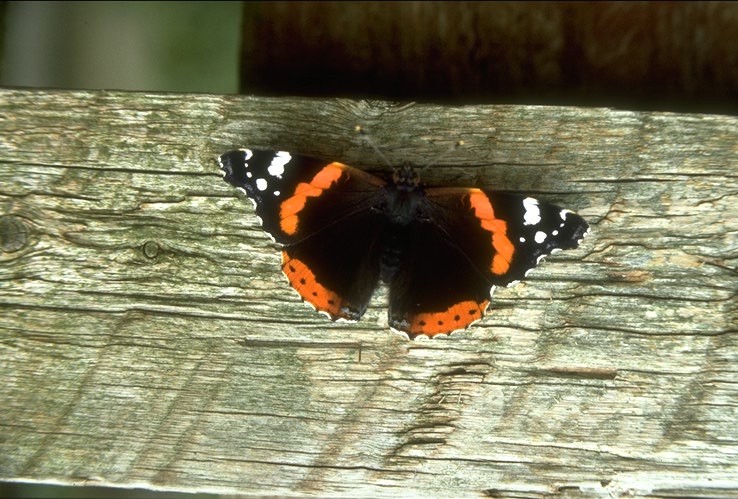
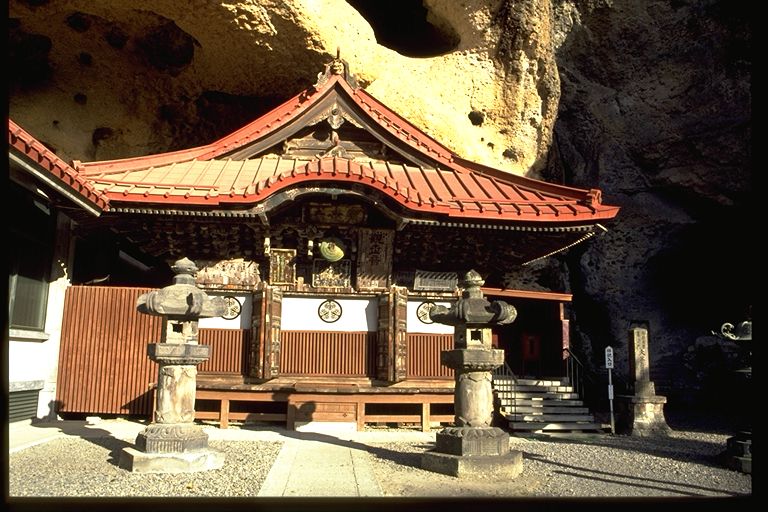
I have chosen a couple of sample shots which are representative of the scan quality on normal subjects. The large image shows the scanned area at a resolution of 768x512 after JPEG compression to about 100kbytes. This provides a reasonable overall impression of the original without being too slow to download. The sampled sections are taken from the original 3072x2048 PCD image without any sharpening or additional post processing. The scan could be made to appear "sharper" by judicious application of unsharp masking.
The first test image is a Red Admiral butterfly drying it's wings in strong sunlight on a wooden fence. It was taken on Kodachrome 25 with a 70-210 Pentax macro lens at f8. There is fine detail on all scales in the wood grain and the scan just caught the body texture as well as the highlights.
I have sampled the two wing markings as GIF images and zoomed them to allow you to see the pixel to pixel variation in to original full size scan. A GIF palette of 256 optimised colours was used. I think the left wing section shows slight chromatic aberration in the lens - colour fringes on the white markings. Near the centre of the field there are linear features visible that are just a single pixel wide.
Optimised palette GIF images have been zoomed 3x to show every pixel distinctly.

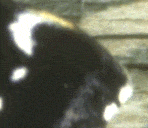
Incidentally does anyone know what the creamy yellow wing markings on the zoomed sections are ?
The second image is a Japanese temple set into a cliff face. This was taken with a standard 50mm lens at f11 in very strong sunlight with extreme shadows going deep into the rock face. The image has some features which are useful to check the quality of the scan. The ornamentation on the temple wall, and the stonework at the right hand side. It is clear that on axis every pixel counts and the scan shows some pixelation, off axis there is some softness which I believe is due to the limitations of my lens rather than Kodaks scanning. The centre third of the original transparency contains more detail than the PCD scan could capture.
These are PNG samples of the test features from the full resolution scanned image. I shows the central decoration, stone with poem, stone lantern on the right as representative tests of on axis, edge and far edge resolution. They are zoomed by 2x below so that the pixels are more evident.



Here are the same shots converted to GIF for those whose browsers don't support PNG. There is some loss of colour fidelity - they were converted to octree optimised 256 colour palettes with no error diffusion.


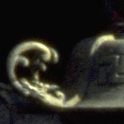
The central image is sharp and stellated showing under-sampling jaggies on the curves. The edge of frame image quality is not limited by the scan resolution but by the performance of the camera lens.
Below are the same sections of the image as scanned at maximum resolution by my Nikon Coolscan III
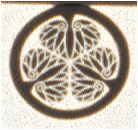
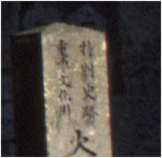
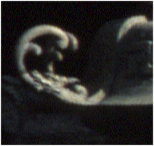
The Nikon scans on auto white balance are noticeably cooler than the Kodak PCD, and the contrast is slightly less. The Kodak colour balance is more authentic the sun was low but still very strong. The Nikon's exposure is better though as highlights are no longer burnt out featureless white and the definition is better in the centre of the frame out to about the stone pillar. There is a nuisance coloured moire fringe artefact on the sharp black to white edges at this highest resolution setting. It really only shows on high contrast detail at certain angles and sometimes is absent. I'd be interested in a cure for this.

